


Freegaia – The City Begins to Shine · Episode 1 · Episode 4 of 23
Carla places her hand on Emma's arm, and for a while neither of them says a word.
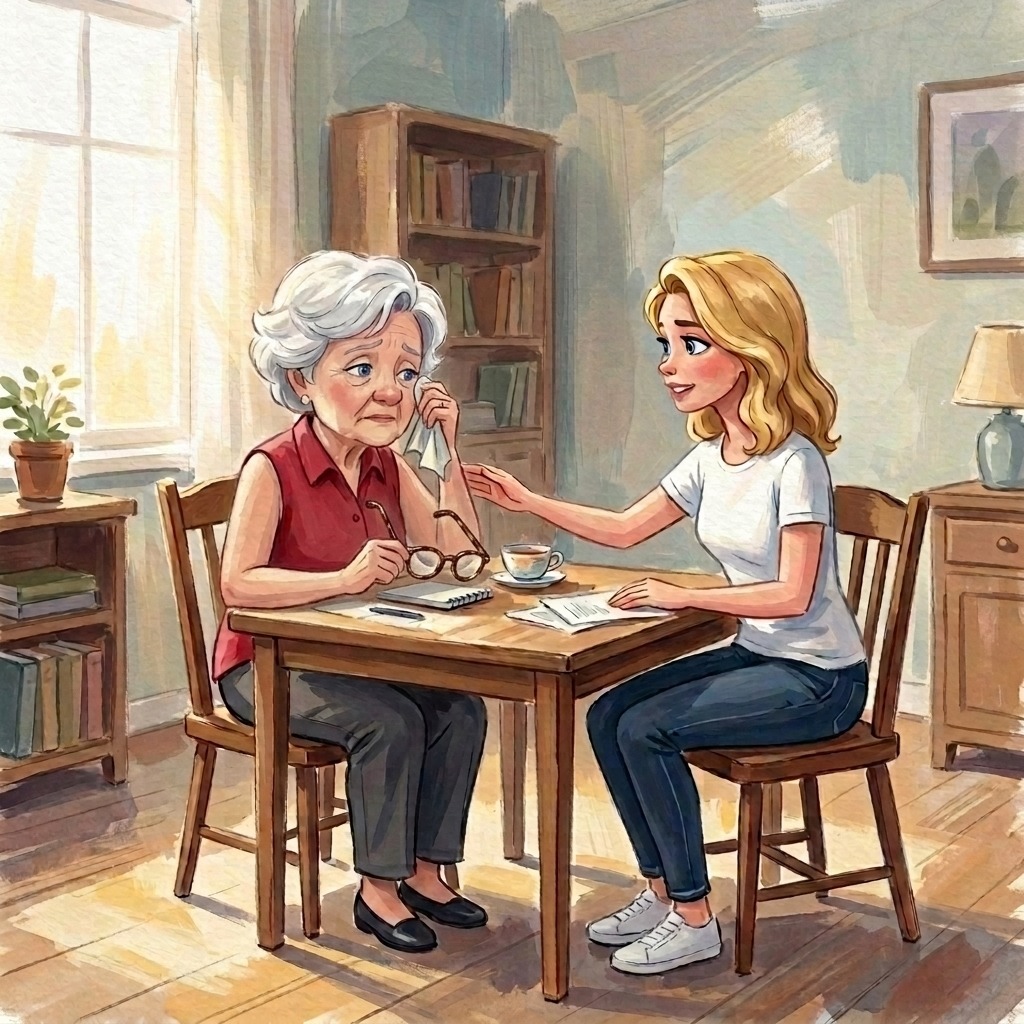
„My husband always used to say, “Emma, you’re the one who keeps everything together here.„ Emma puts her glasses back on. “If no one tells you that anymore, you’ll eventually forget it yourself. And now this Grandioso is telling me that.’”
She laughs, even as she cries.
Carla is typing Go to Account and then select from the menu Transactions. Their contributions are listed there as entries. The sender is the community, and above the amounts it says Scooped.
„That looks like a bank account,“ says Emma. „Only prettier.“
„It's a thank-you account.“
„And who do I owe this to now? In the barter system, you’d end up in the red. I never liked that. You were always in someone’s debt.“
„No one. Your Gradido were drawn. They were created because of what you’ve done. And every month, new ones are created—up to a thousand—because of what you do for the community.“
„I'm baking.“
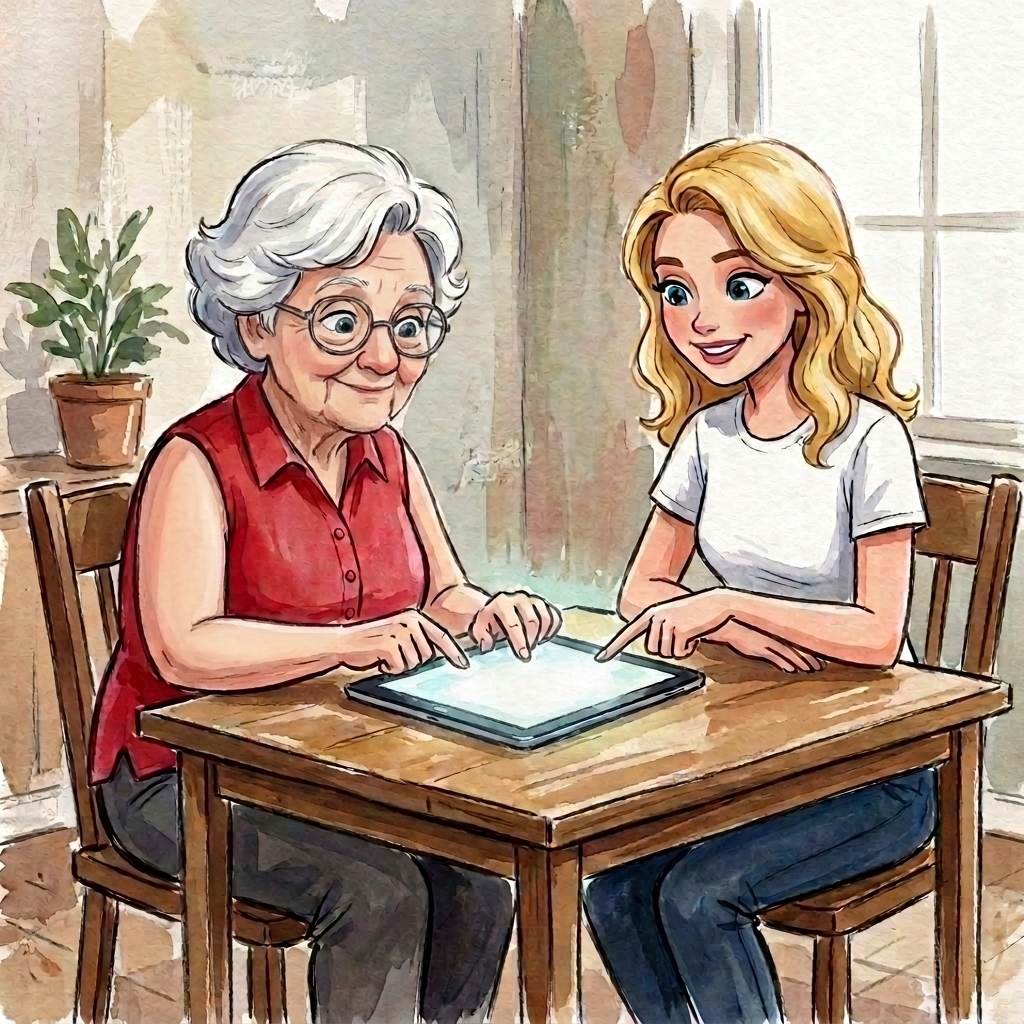
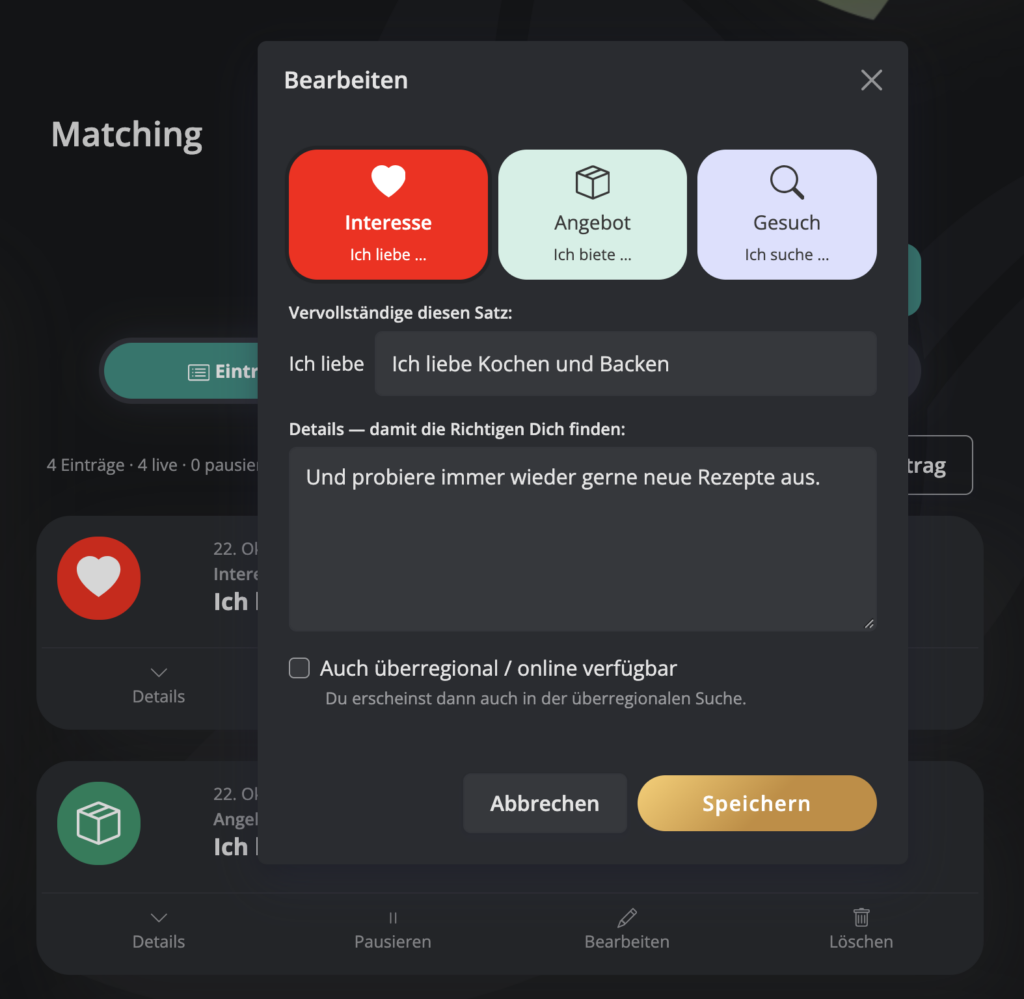
„Then let's tell the map that now.“ Carla types Matching. Three tabs: Entries, About Me, Home. New entry. Three buttons, a heart, a package, a magnifying glass: Interest, Offer, Request. Among them: Complete this sentence: And the sentence begins like this: I love
„Cooking and baking,“ says Emma.
For each sentence, the form asks for additional details so that the right people can find them, and Emma has some for each one. Carla types, and the list grows:
I love Cooking and baking.
I love Children.
I'm looking for someone to do my shopping for me.
I'm looking for a ride into town.
I offer Cakes and pastries for every occasion.
I offer a sympathetic ear.
„And now the stars,“ says Emma.
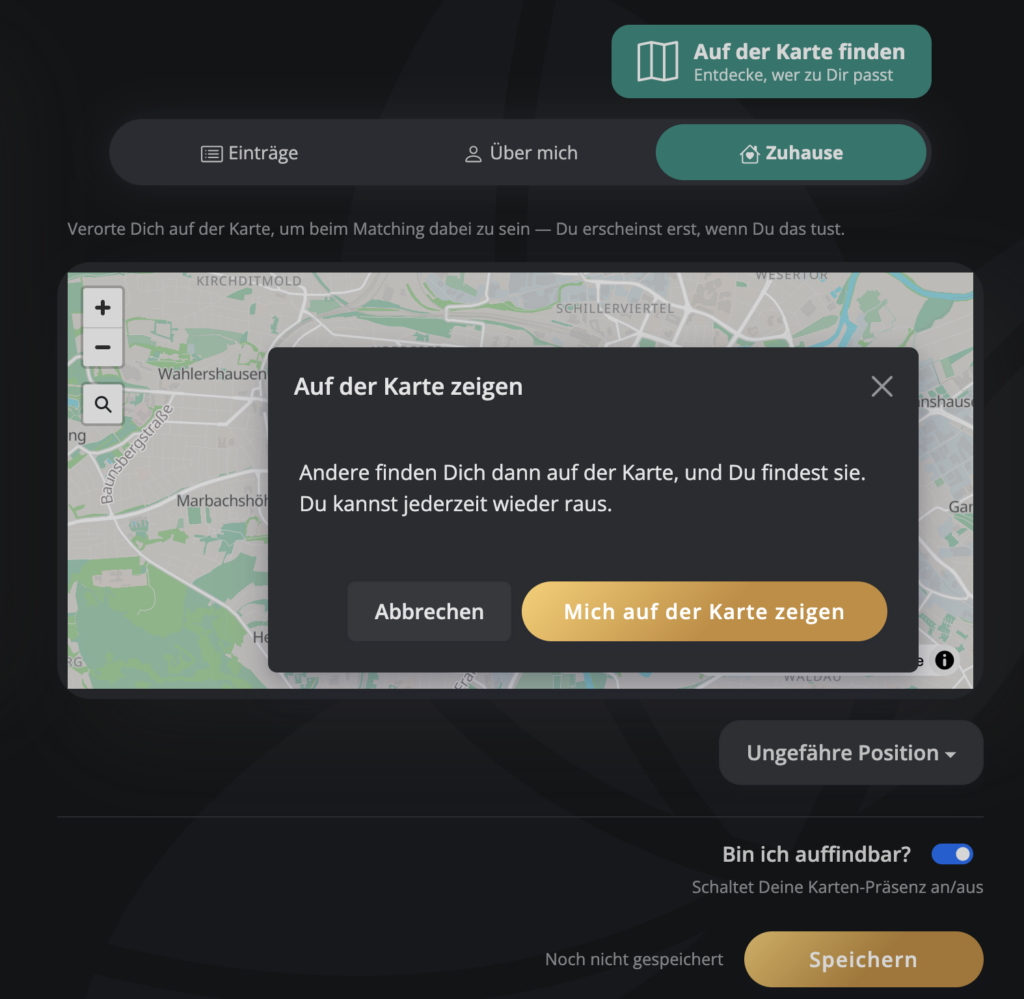
Carla is typing Find on the map. But the card doesn't arrive. Instead: First, show your location on the map. Once Emma has set her location, she can find others nearby; she can't do so before that.
„They want to know where I live first.“
„Exactly or roughly. It's up to you.“
„Exactly,“ says Emma. „Otherwise, no one will find me.“
To my home. There's a magnifying glass on the map; Carla enters Emma's address, and a small house appears in the right spot. Below it: Exact location. Then the switch Can people find me?, then Save, and the wallet displays: Location successfully saved.
And now here's the map. Stars shine over the city—red ones, blue ones, and one green one—and Emma's house is on the edge, where the streets end.
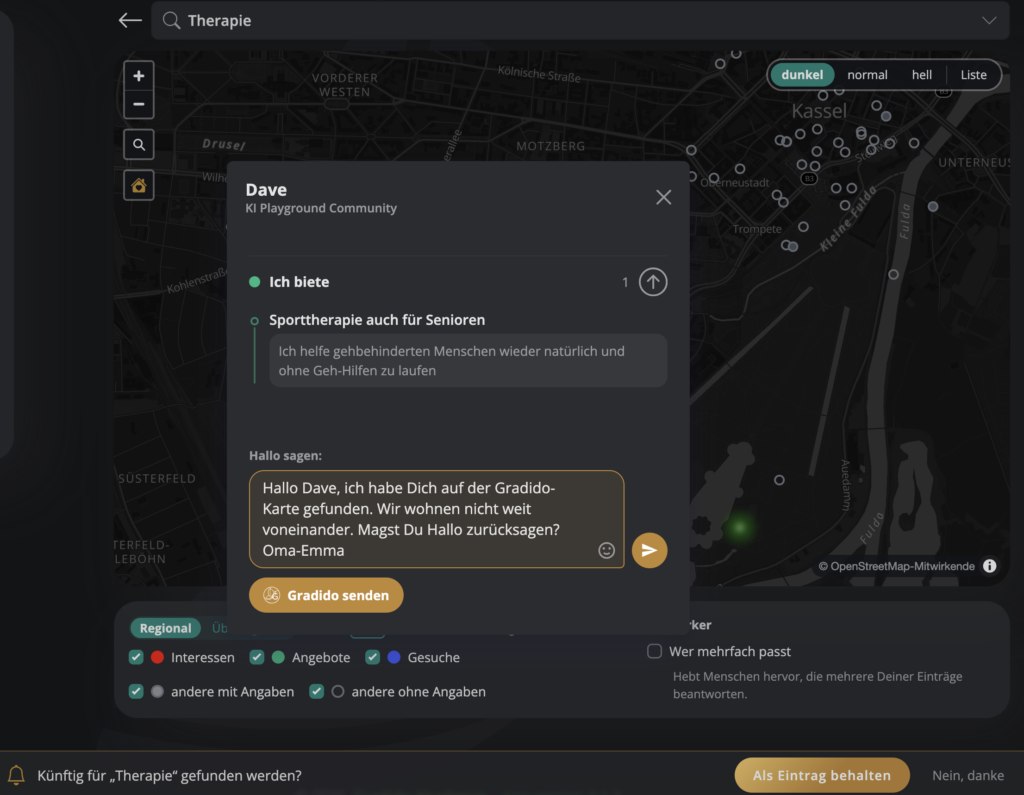
„And Dave?“
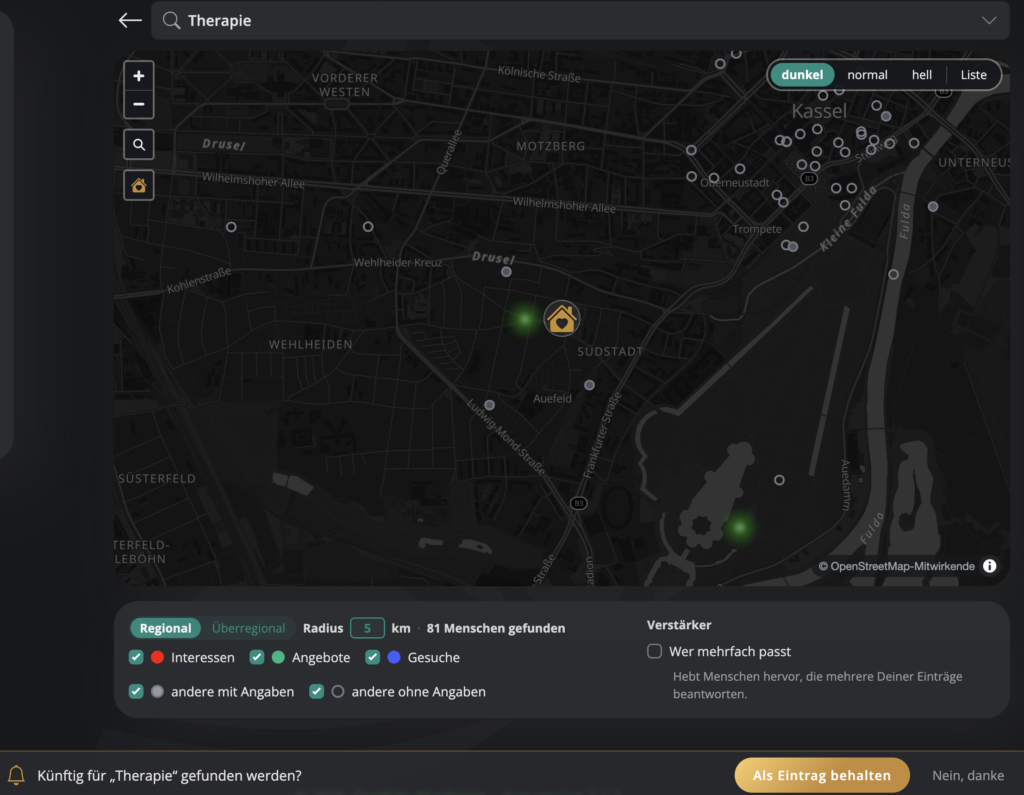
Carla is typing Therapy. Below that are three buttons: I love, I offer, I'm looking for... Emma's betting on the third one.
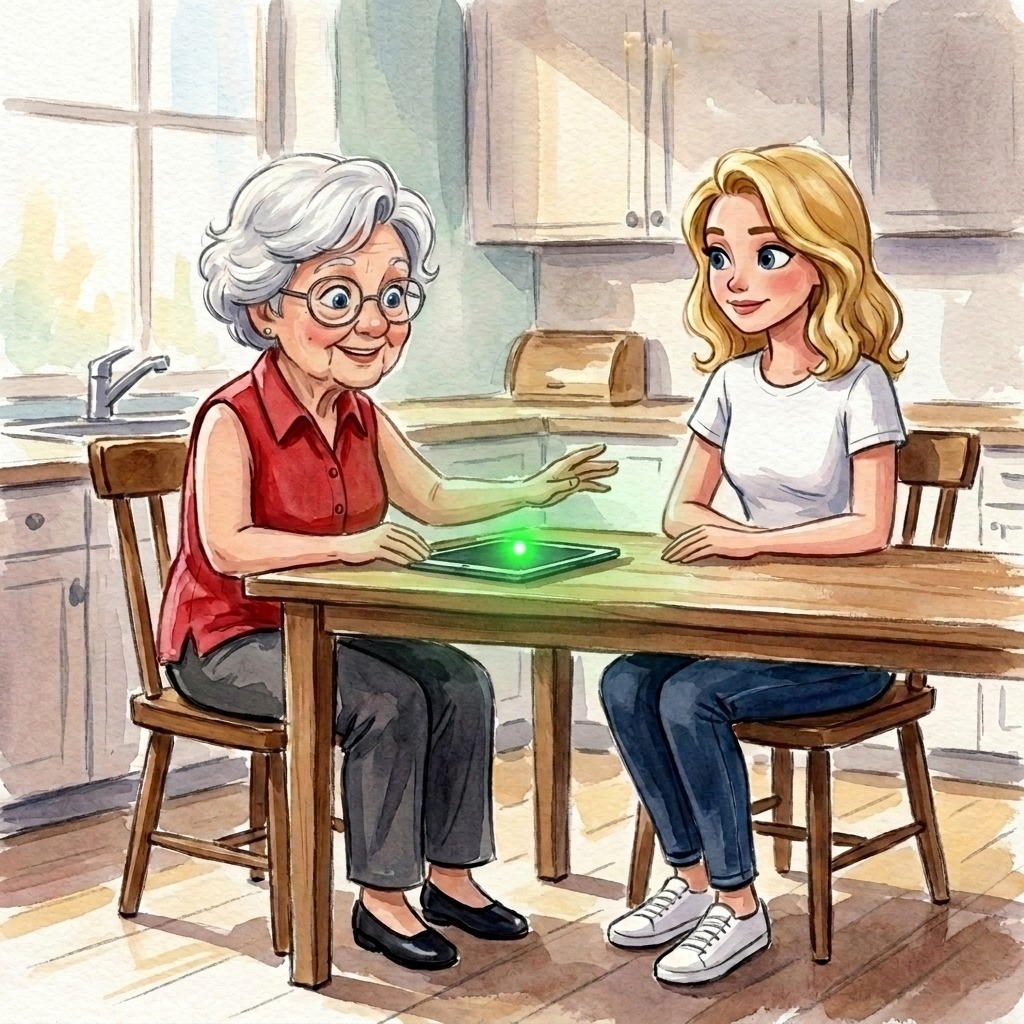
A green star begins to shine brightly. Dave.
A strip slides into the picture from the bottom: Be found for „therapy“ in the future? Next to it is a button: Keep as an entry.
Carla adds to what Emma is dictating: Therapy so I can walk better again.
Emma types Save. „Grandioso!“
„And how am I supposed to find that again tomorrow if you're not here?“
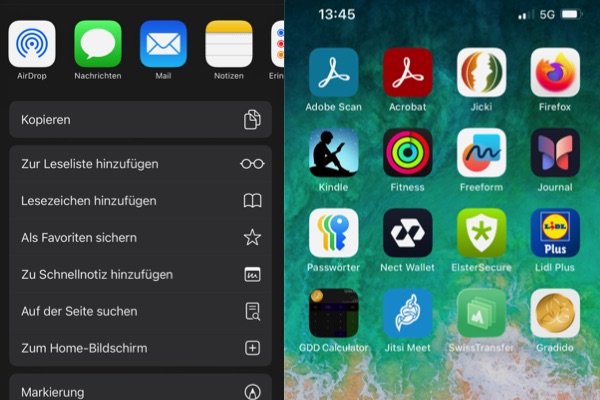
Carla taps the browser's share icon and then taps To the Home Screen. Next to the Claude is now a small gold coin, and underneath it says Gradido. „Just tap on it. Then it’ll be like a real app, taking up the whole screen.“
„Next Sunday, I’ll introduce you to Dave in person,“ says Carla. „At Alice’s café. Bob will pick you up, and the cake will come along, too.“
„Who is Bob?“
„Alice's boyfriend, who looks for the catch in everything.“
„He won’t find one on my cake.“ Emma pulls the iPad back toward her. „And now I’m going to try this “thank you’ thing. What’s your name here?”
„Carla-Sonne. With a hyphen.“
Send. Recipient: Carla-Sun. Amount: twenty. And in the field Message Emma writes, using one finger:
For the best afternoon I've had in a long time. Your Grandma Emma.
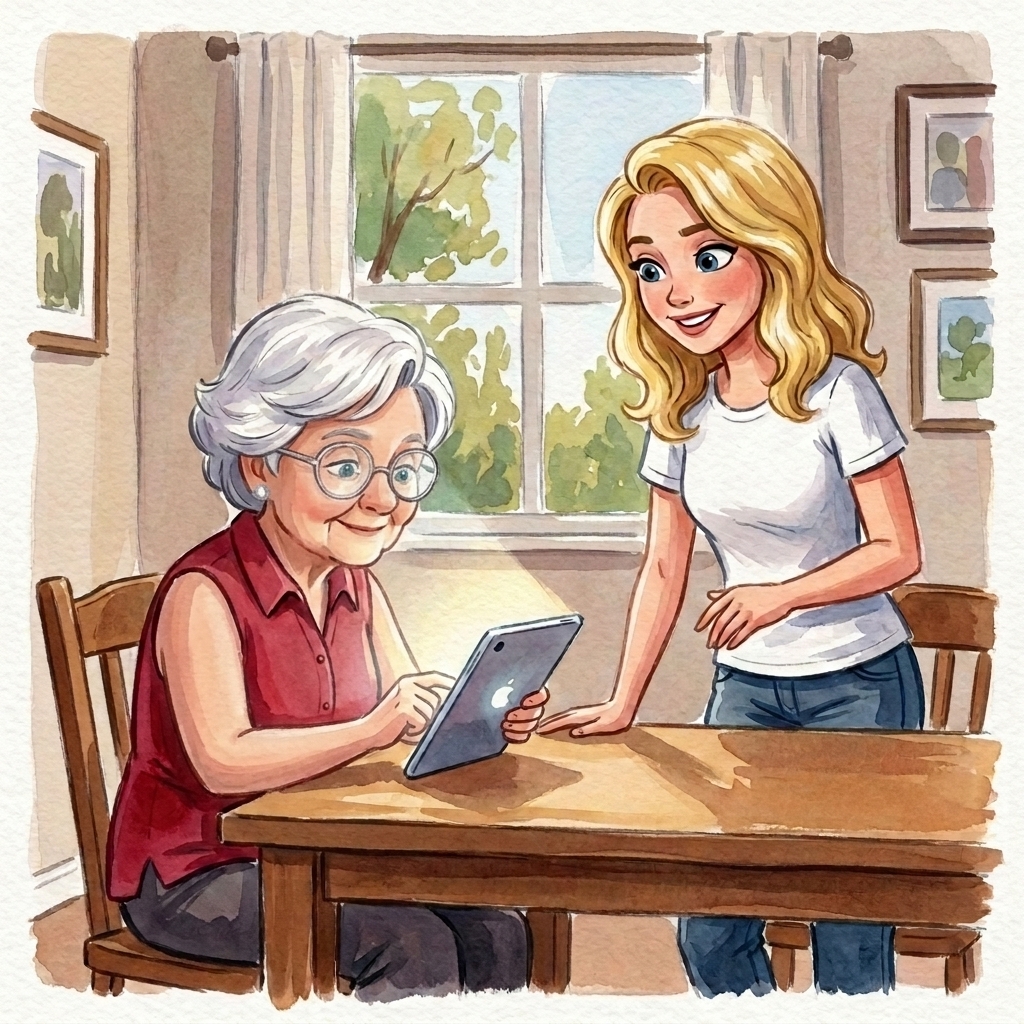
The Gradido account is ready to give it another shot: Confirm your transaction. Please double-check all the details! Emma checks all the information again. Then she types Send now.
Carla's cell phone lights up. Received. Grandma Emma. Twenty. Carla taps the line, and the sentence appears below it. She has to swallow hard.
„Look,“ she says, holding out her cell phone to Emma. „There’s your thank-you. It’s not gone. It’s just somewhere else.“
„Grandioso,“ says Grandma Emma. And this time, Carla doesn’t correct her.
— Curtain. Intermission. —
End of Act I.
Here's how it works in the software
Enter what Carla types for Emma into your account in three steps, and at the end, the coin will appear on your screen.
- Three sentences. Tap „Matching“ in the menu, then tap „New Entry.“ Three buttons: Interest, Offer, Request. Below that, it says „Complete this sentence:,“ and the sentence already starts with „I love,“ „I offer,“ or „I’m looking for.“ Finish the sentence, like Emma did: Cooking and baking. Then add the details so the right people can find you. One of each is enough to get started. If your home is already on the map, the „Who’s a good match for you?“ field on your first page will also lead you there: „Create my first listing.“.
- Your home—exactly or roughly. Without a home address, the map stays closed, just like with Emma: „Show yourself on the map first.“ The „Home“ tab or the „Who lives near you?“ field with „Show me on the map“ from Episode 2 will take you there: type the address into the search bar, the little house icon appears, then select „Exact location“ or „Approximate location,“ toggle „Am I findable?“ and click „Save.“ Now the map with the stars appears. Type a word into the search field, select „I love,“ „I offer,“ or „I’m looking for,“ and the corresponding star will light up. At the bottom, a banner asks if you want to be found for this in the future: „Keep as an entry.“.
- The coin on the screen. iPhone and iPad: Tap the Share icon in Safari, then select „Add to Home Screen.“ Android: Tap the three-dot menu in Chrome, then select „Install App“ or „Add to Home Screen.“ From then on, Gradido opens with a tap on the gold coin, filling the entire screen, just like an app.
Enter address:
You can switch between „Exact“ and "Approximate" at any time, and you can leave the map by tapping the "Am I visible?" button.
Search for „Therapy,“ 2 green results, one of which is Dave:
As an app on the iPhone's Home screen:
Emma thanks Carla by selecting „Send,“ entering the recipient’s name, the amount, and a message in the „Message“ field, then clicking „Confirm Your Transaction“ and „Send Now.“ Carla finds it under „Transactions“ listed as „Received,“ with the message below it. Episode 5 tells more about this.
End of Act I. The first four episodes had one step: Show it to someone. Starting with episode 5, the rule is: Meet up.
Next episode on Thursday, November 12: „Freegaia 5 – The Private Café.“ First comes the cake; Bob carries it as if it were something that mustn’t tip over, and Gustav asks Grandma Emma if she’s his grandma now.
All episodes on one page: Freegaia
warmest regards
Yours

Margret Baier and Bernd Hückstädt
Gradido founder and developer